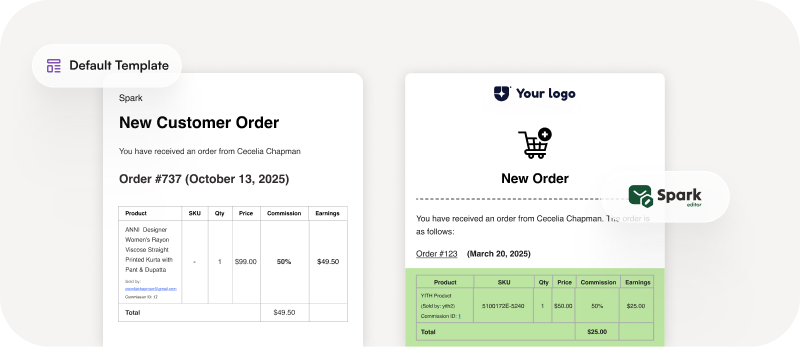
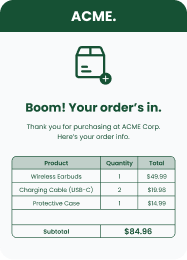
Transform the way your YITH Multi-Vendor store communicates with Spark Editor. Create beautifully designed, fully branded emails for both vendors and admins, including commission updates, vendor approvals, and order notifications.
Spark Editor helps you maintain a consistent brand voice, build stronger vendor relationships, and enhance every interaction through professional, responsive email designs. Build trust, boost engagement, and deliver a premium experience with every message.
Why You Need Spark Editor for This Add-On
Total Design Freedom, Zero Coding: Design professional, branded YITH WooCommerce Multivendor emails in minutes using Spark Editor’s intuitive drag-and-drop builder. No coding, no templates—just full creative control.
Responsive Designs: Every Spark Editor email is automatically optimized for desktop, tablet, and mobile. Your vendor and admin notifications will look flawless everywhere.
Seamless Integration with YITH Multi-Vendor: Built exclusively for YITH WooCommerce Multi-Vendor, Spark Editor automatically syncs with vendor email triggers, making customization smooth and effortless.
Save Time and Maintain Consistency: Forget manual edits or switching between files. Spark Editor unifies your entire vendor email design process, ensuring consistent branding across all communication.
Powered by Spark Editor’s Ecosystem: Experience seamless compatibility with other Spark Editor add-ons. Design once, and keep your brand style uniform across all WooCommerce emails.
Technical Requirements :
To use the YITH WooCommerce Multivendor Premium Add-On, you’ll need the Pro version of Spark Editor.
Default YITH Multi-Vendor emails are functional but basic—they don’t truly reflect your brand or engage vendors. With the Spark Editor YITH Multi-Vendor Add-On, you can easily transform plain notifications into beautiful, on-brand messages using a simple drag-and-drop interface.
From vendor registration to commission updates, every communication can now be professional, consistent, and responsive – without a single line of code.
Email Template Screenshots
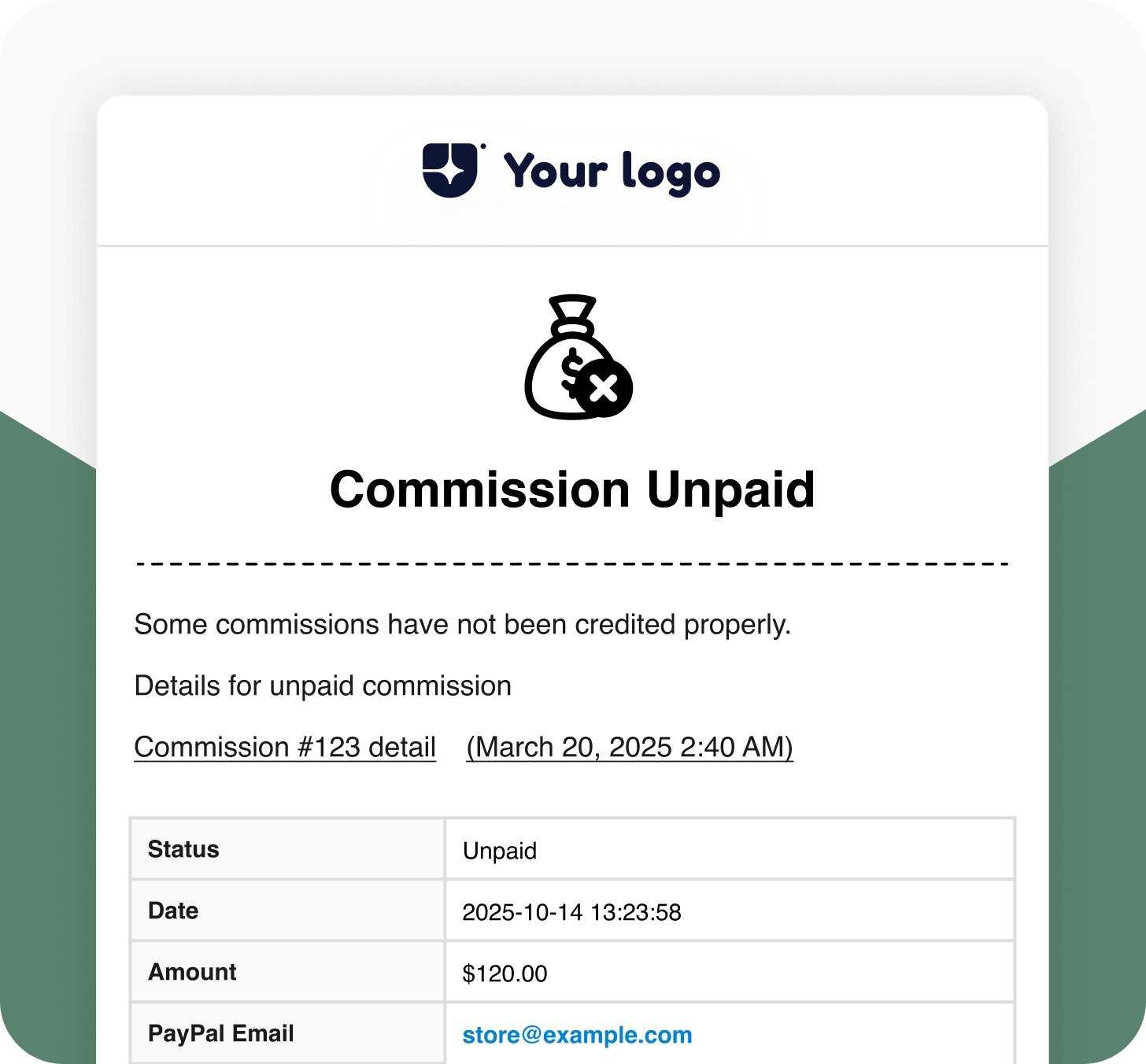
Commission Unpaid
Notifies the admin when a vendor’s commission is still unpaid. Keep your back-office communication transparent and timely.
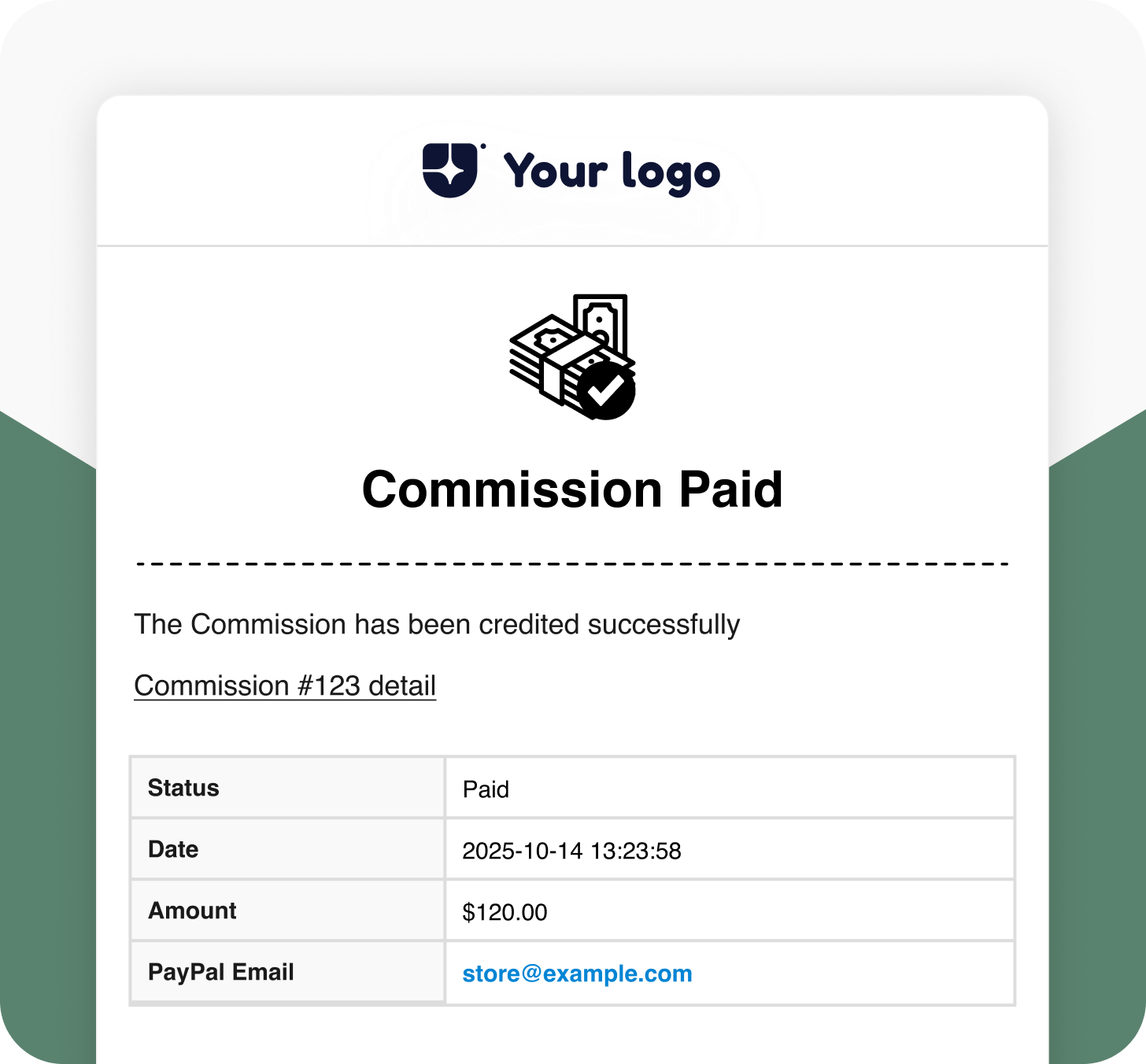
Commission paid (for Admin)
Alerts the admin once a vendor’s commission has been paid, ensuring clear financial tracking within your store.
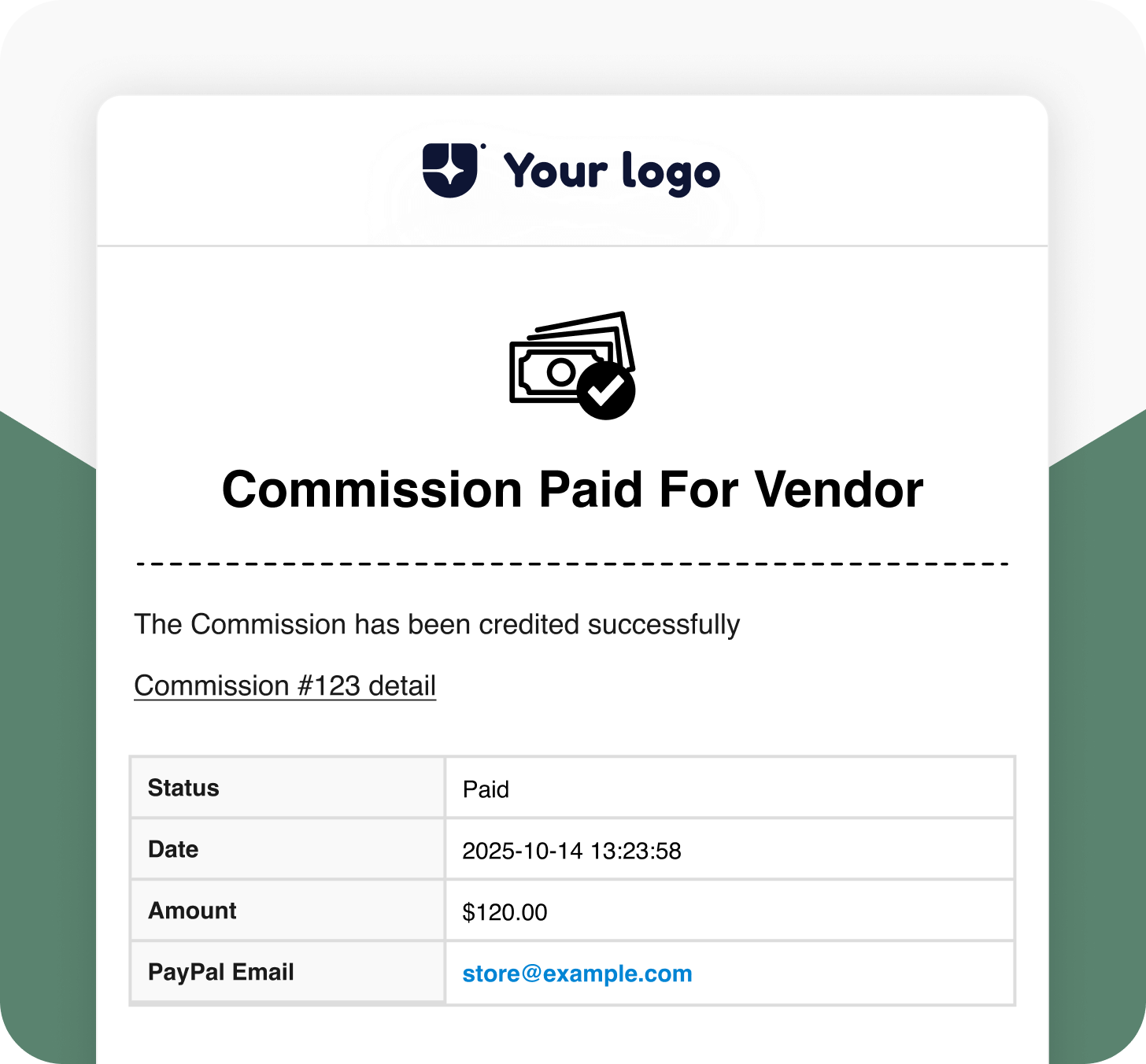
Commission paid (for Vendor)
This sends an email confirmation to vendors when their commission has been successfully paid. Builds trust and clarity with your partners.
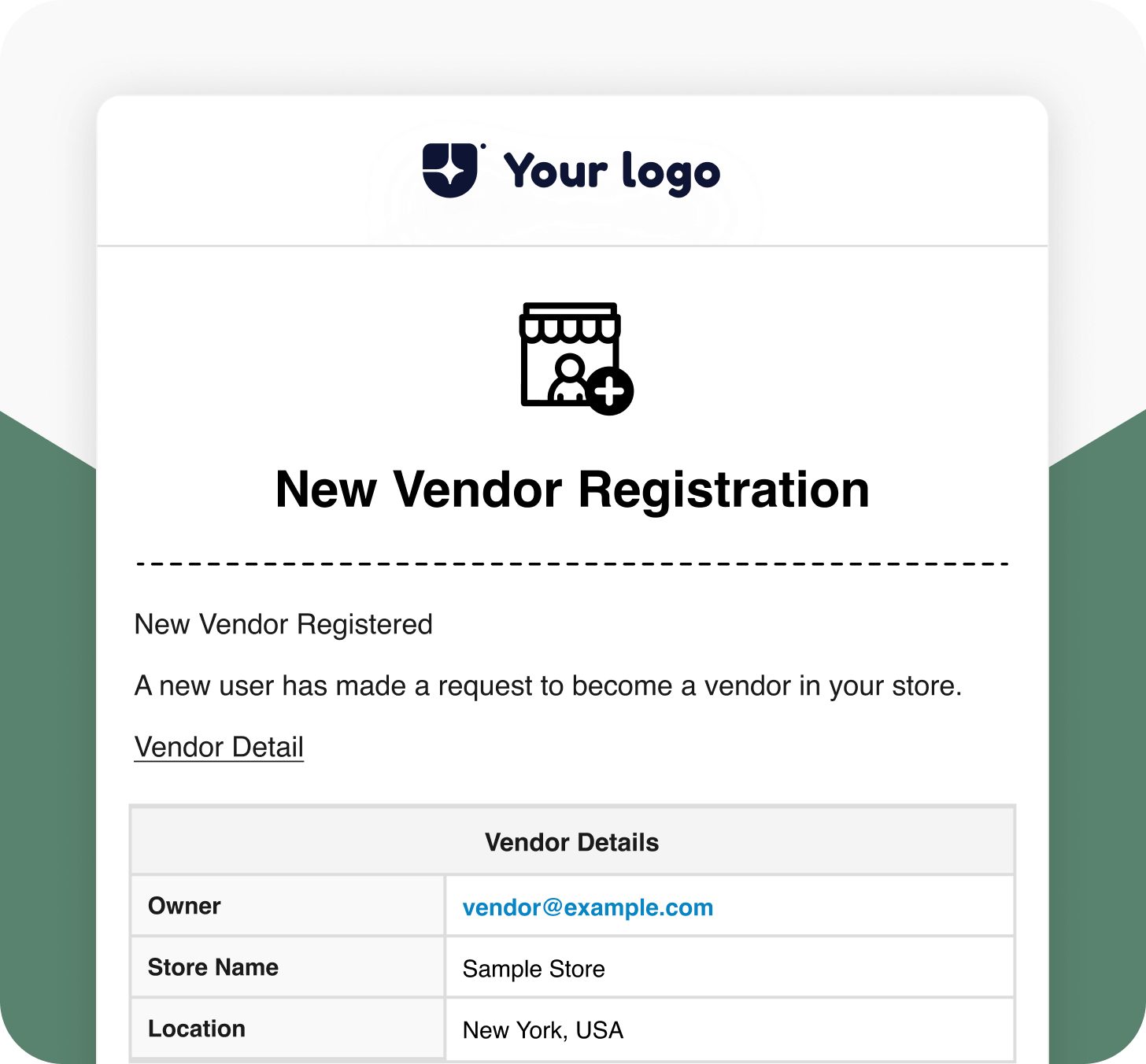
New Vendor Registration
Notifies the admin when a new vendor registers on the store. Helps you stay on top of vendor onboarding.
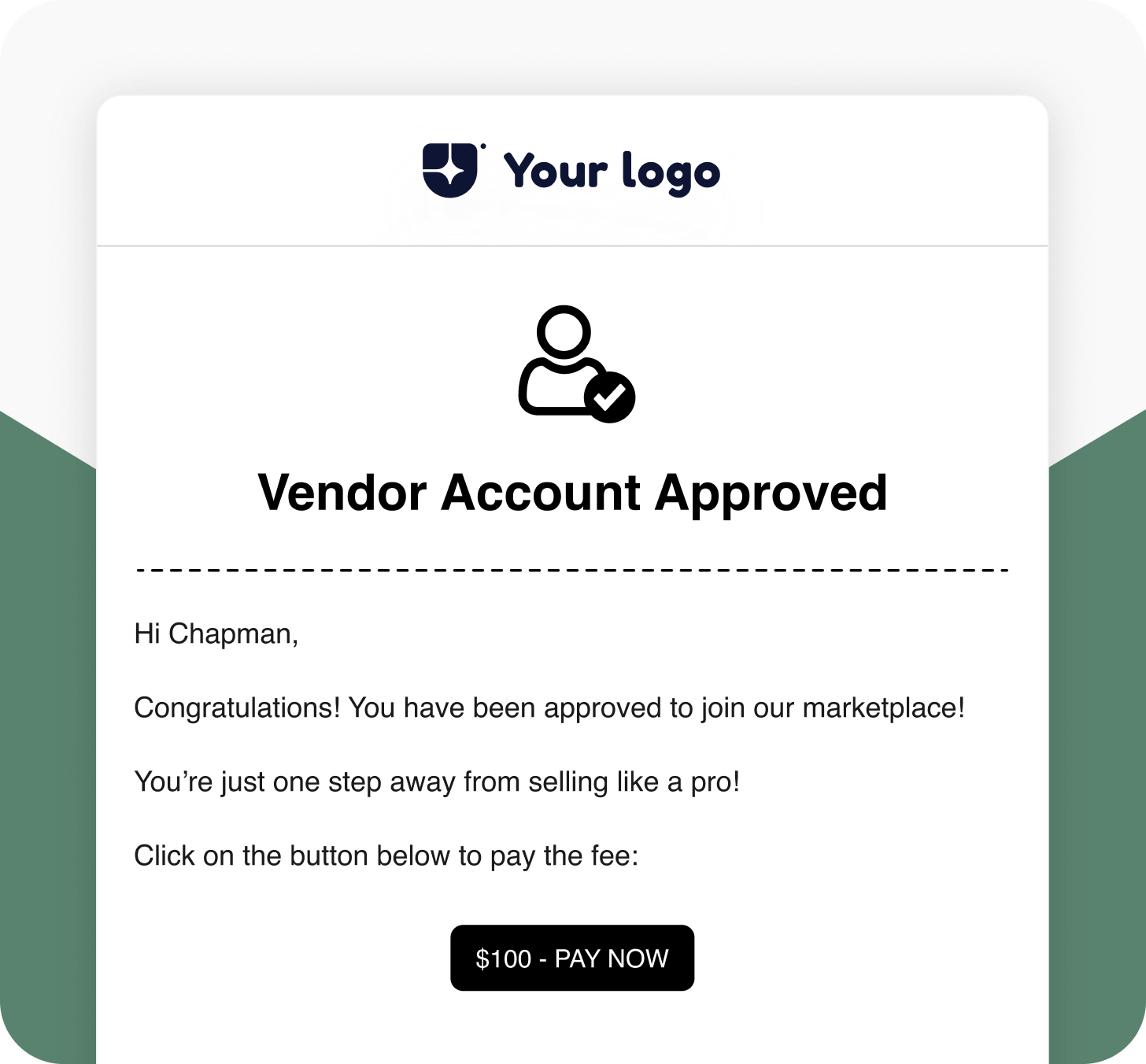
Vendor Account Approved
Sends a branded confirmation to vendors when their account is approved. Reinforce professionalism and create a welcoming impression.
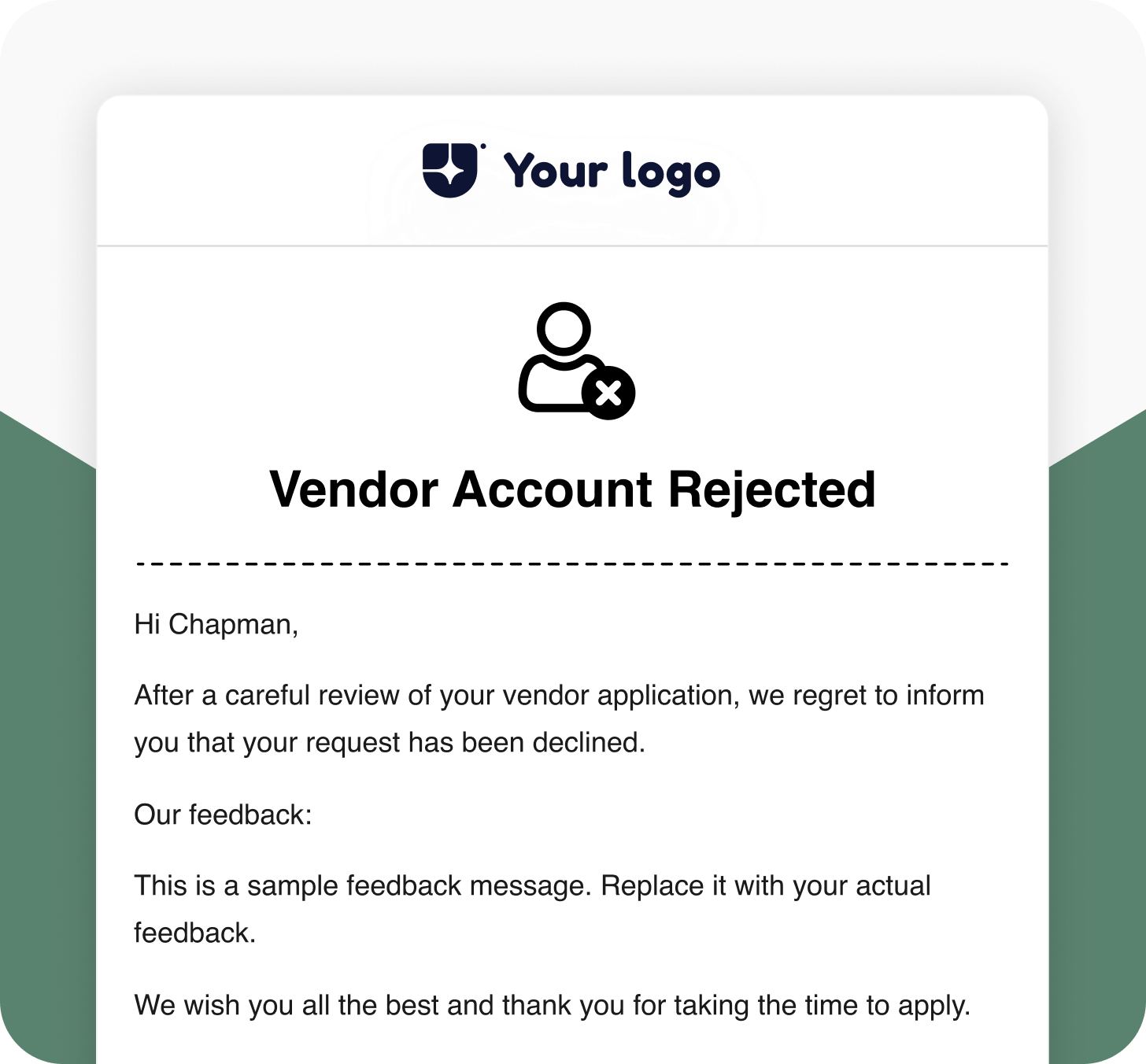
Vendor Account Rejected
Notifies the vendor if their registration request has been rejected. Keep communication clear and courteous.
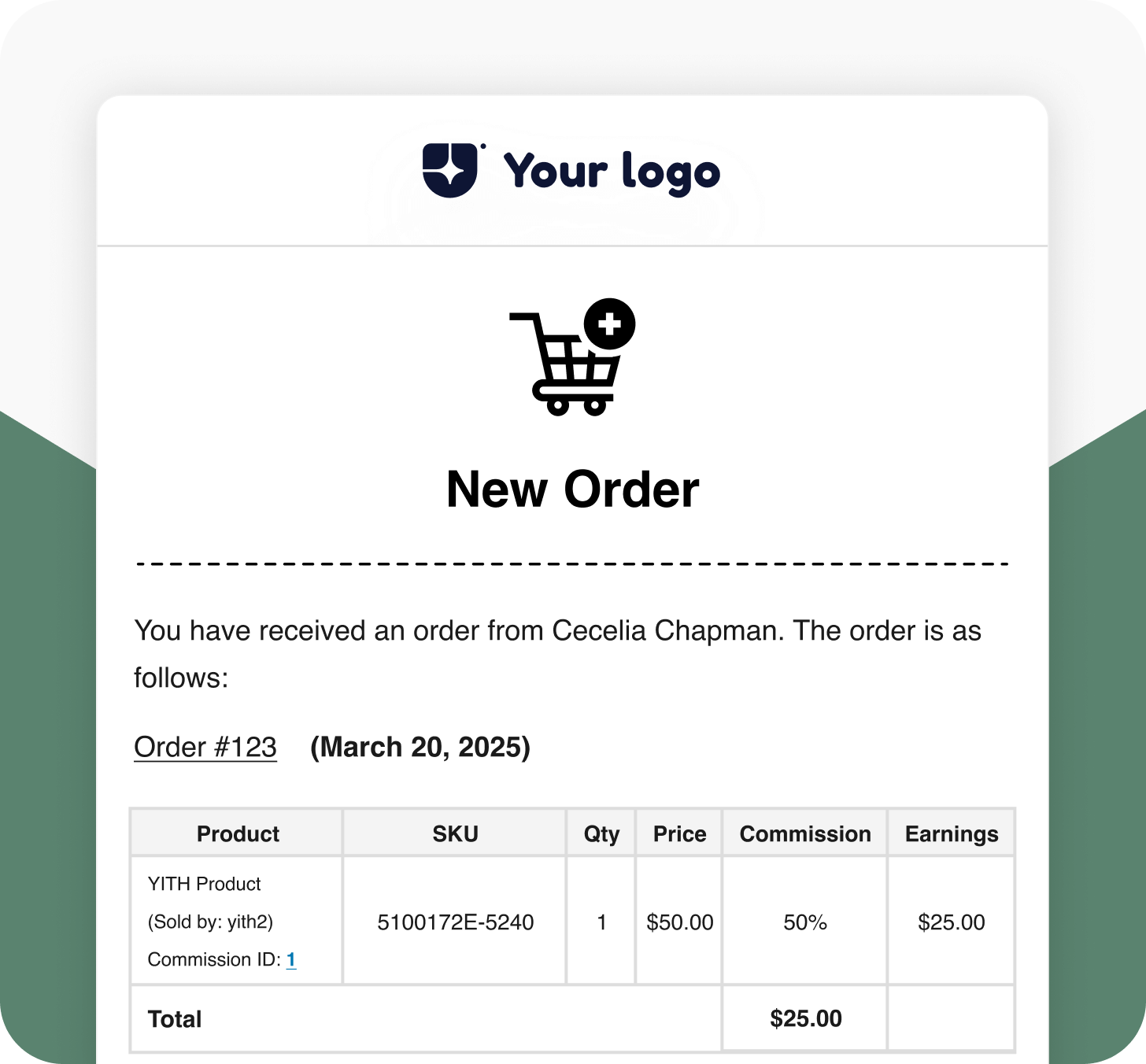
New order (to vendor)
Sends an instant notification to the vendor whenever a new order is placed. Helps vendors process orders faster and stay updated.
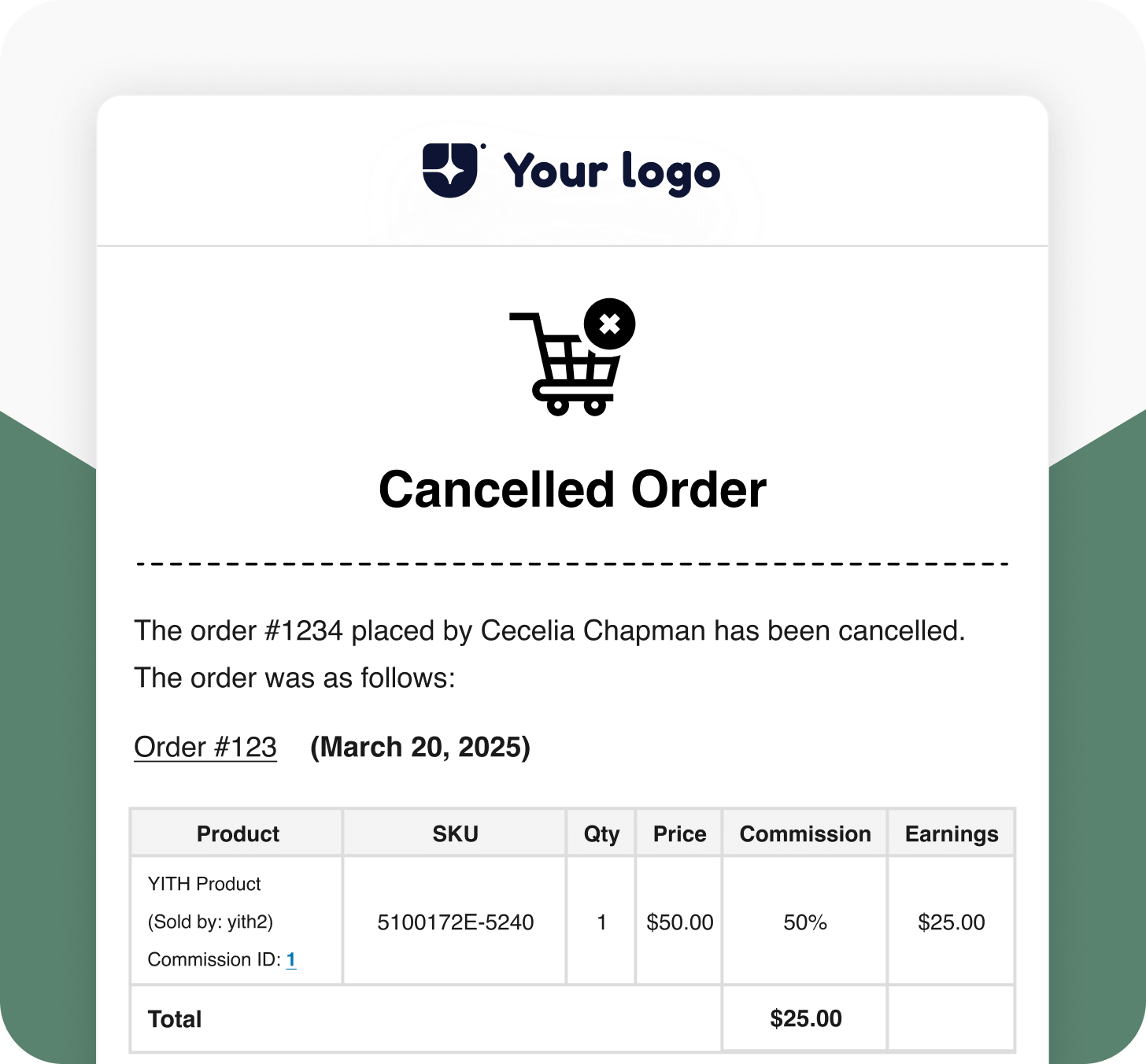
Canceled order (to vendor)
Informs the vendor when an order is cancelled. Maintains transparency and enables quick customer handling.
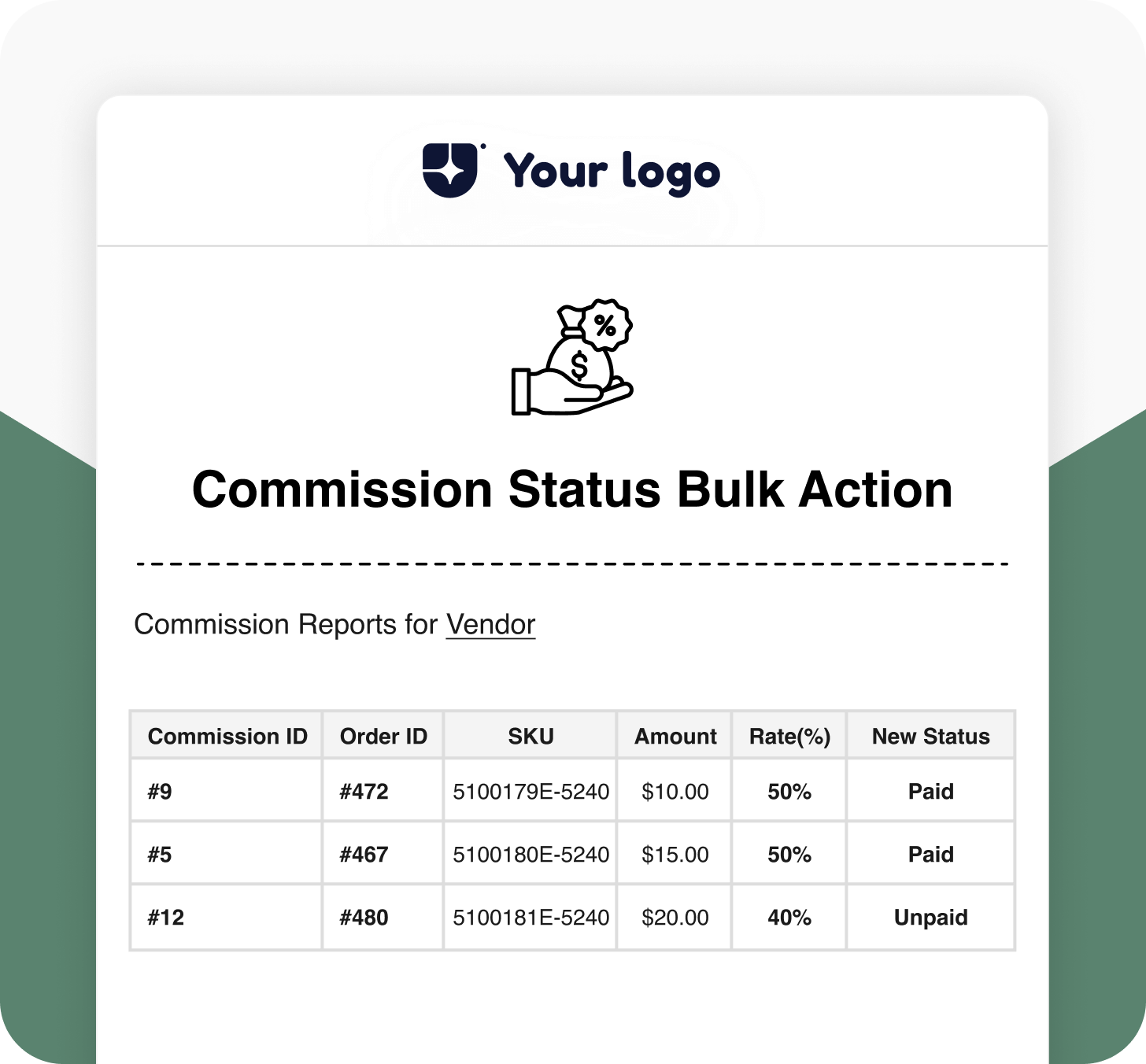
Commission Status Changed (Bulk Action)
Updates vendors whenever their commission status changes due to bulk updates (e.g., from unpaid to paid).
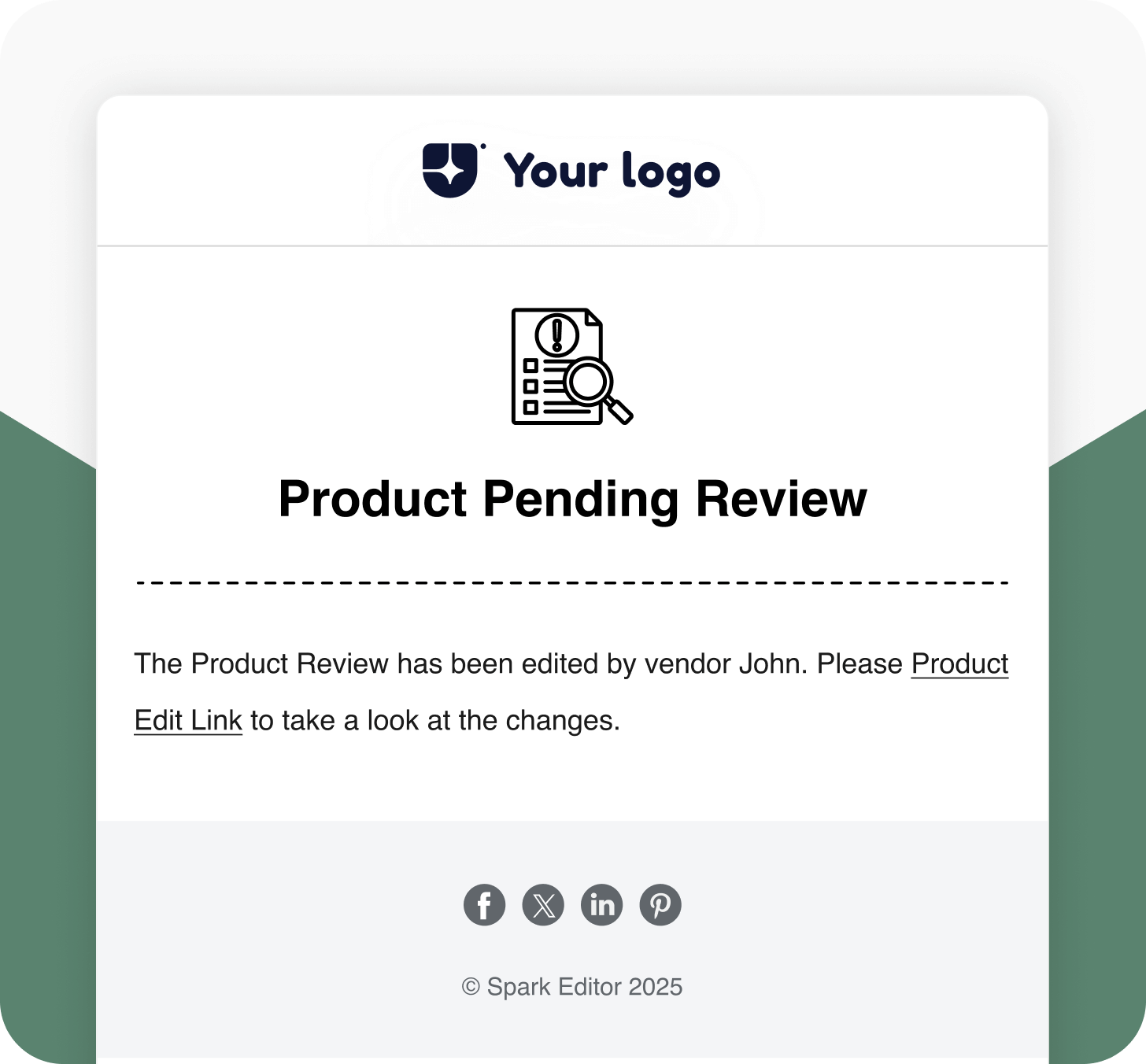
Product set in pending review (to admin)
Notifies the admin when a vendor submits a product that’s awaiting approval. Keeps your catalog management efficient.
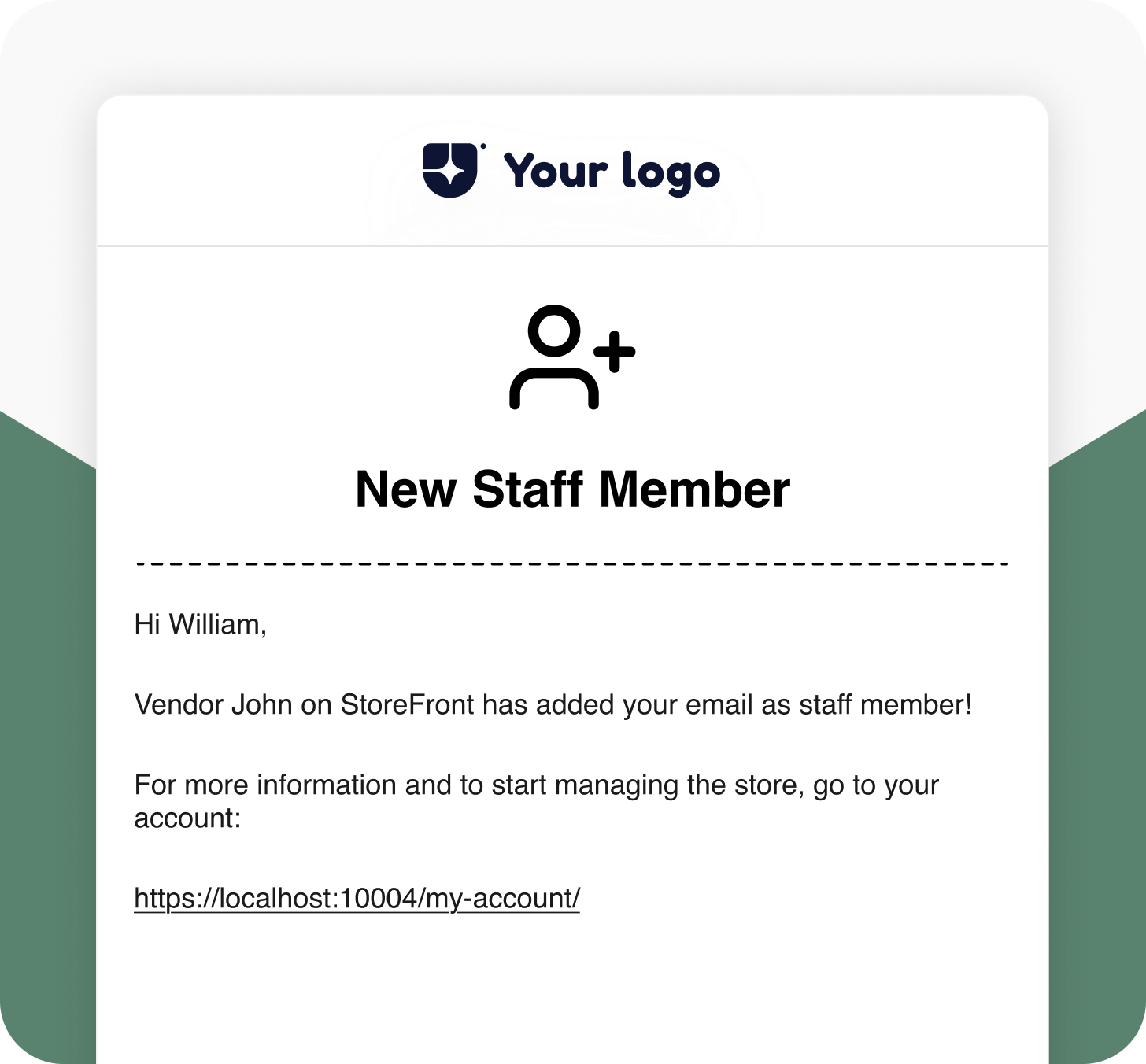
New Staff Member
Informs the vendor when a new staff member has been added to their store, ensuring visibility and team awareness.
Comparison
Default VS Spark Editor
Features
Default WooCommerce Email Template
Advanced Styling Options
No
Yes
Multilingual Support
No
Yes
Responsive Emails for Every Device
No
Yes
Drag-and-Drop Editor
No
Yes
Integrate with Add-ons
No
Yes
Pre-build Shortcodes
No
Yes
Video Tutorials
Frequently Asked Questions
Does Spark Editor affect email deliverability?
No. Spark Editor focuses purely on email design and structure. It keeps all native WooCommerce email triggers intact, ensuring your emails are delivered reliably.
Can I restore my default WooCommerce templates later?
Yes. You can easily reset or revert back to WooCommerce’s default email layouts at any time without losing your previous customizations.
How does Spark Editor help with branding?
Spark lets you apply your logo, color palette, fonts, and tone consistently across every WooCommerce email, ensuring complete brand alignment.
Can I import or export templates between stores?
Yes. You can export your email templates and import them into another WooCommerce store, making Spark ideal for multi-store businesses.
Do I need the Pro version of Spark Editor to use this add-on?
Yes. The add-on requires the Pro version of Spark Editor for full functionality and integration with WooCommerce. Once activated, you can customize and send all related emails directly from the Spark Editor dashboard.
Give your WooCommerce emails more impact with Spark Editor.