WooCommerce Waitlist Add-On
by Spark Editor
Why You Need Spark Editor for This Add-On
- Responsive by Design: Your customers open emails everywhere, so Spark ensures they always look flawless. Each template automatically adjusts to mobile, tablet, and desktop for a seamless experience.
- Consistent Branding Across All Emails: Apply your store’s logo, colors, and typography to every waitlist email, maintaining a cohesive brand identity from join confirmations to restock alerts.
- Multilingual & RTL Support: Easily design and send waitlist emails in any language. Spark Editor supports multilingual stores and automatically adapts your email design for RTL languages.
- Live Preview & Test Send: See real-time design updates and send test emails instantly. Ensure every message looks perfect before it reaches your customers.
- WooCommerce Integration: Spark Editor connects directly with WooCommerce Waitlist, automatically syncing your products and triggers.
Technical Requirements :
To use the WooCommerce Waitlist Premium Add-On, you’ll need the Pro version of Spark Editor.
14 DAYS MONEY BACK GUARANTEE
WHAT’S INCLUDED
- 1 year of updates and new features
- 1 year of dedicated support
Easy To Use Templates
Waitlist Mailout
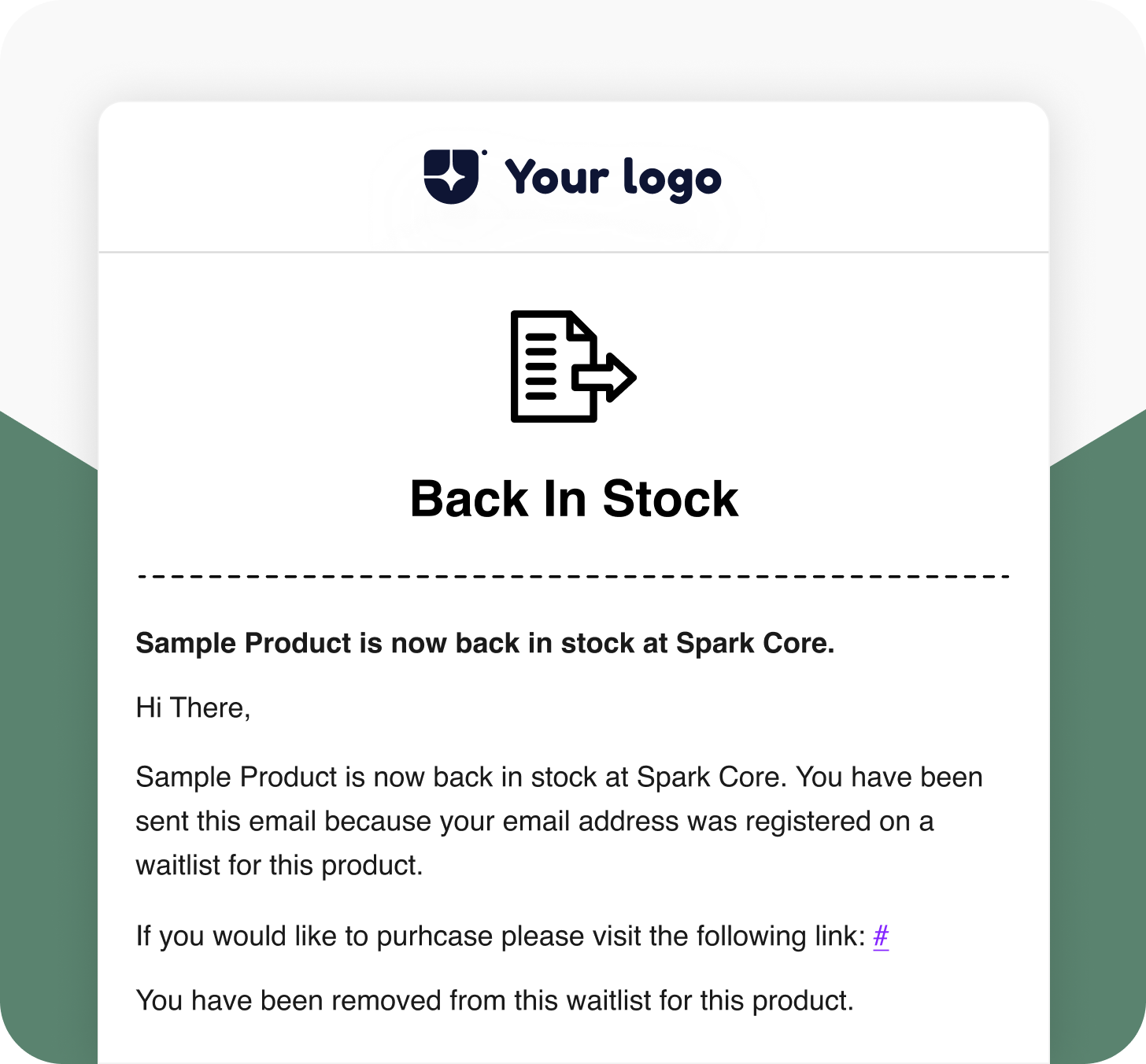
When a customer joins the waitlist and the product becomes “In Stock,” this email is sent to notify them. Encourage quick action and boost sales when products are restocked.
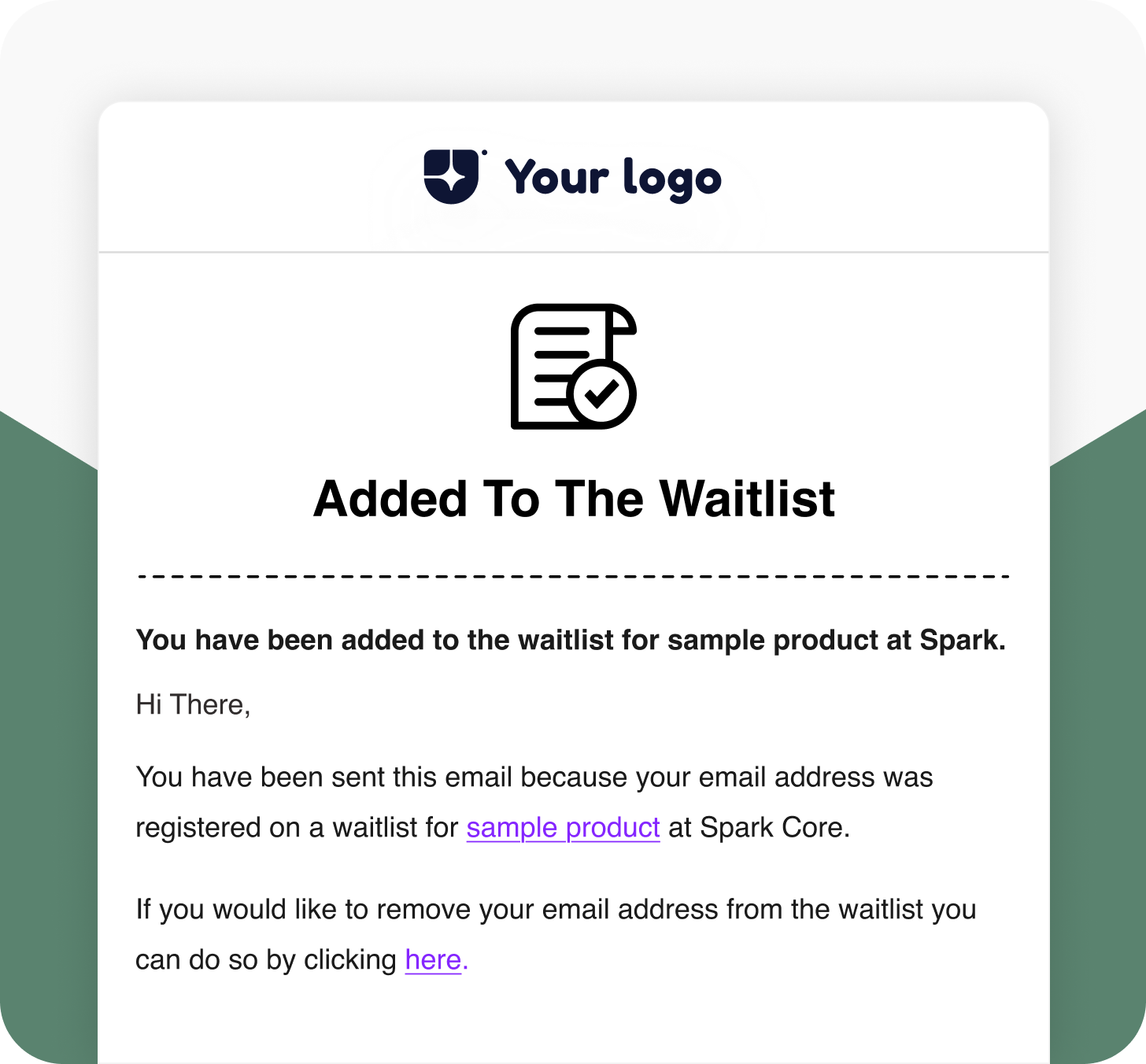
Waitlist Joined Notification
When a customer clicks “Join Waitlist,” they receive this confirmation email immediately. It reassures them that they’ll be notified as soon as the product is available again.
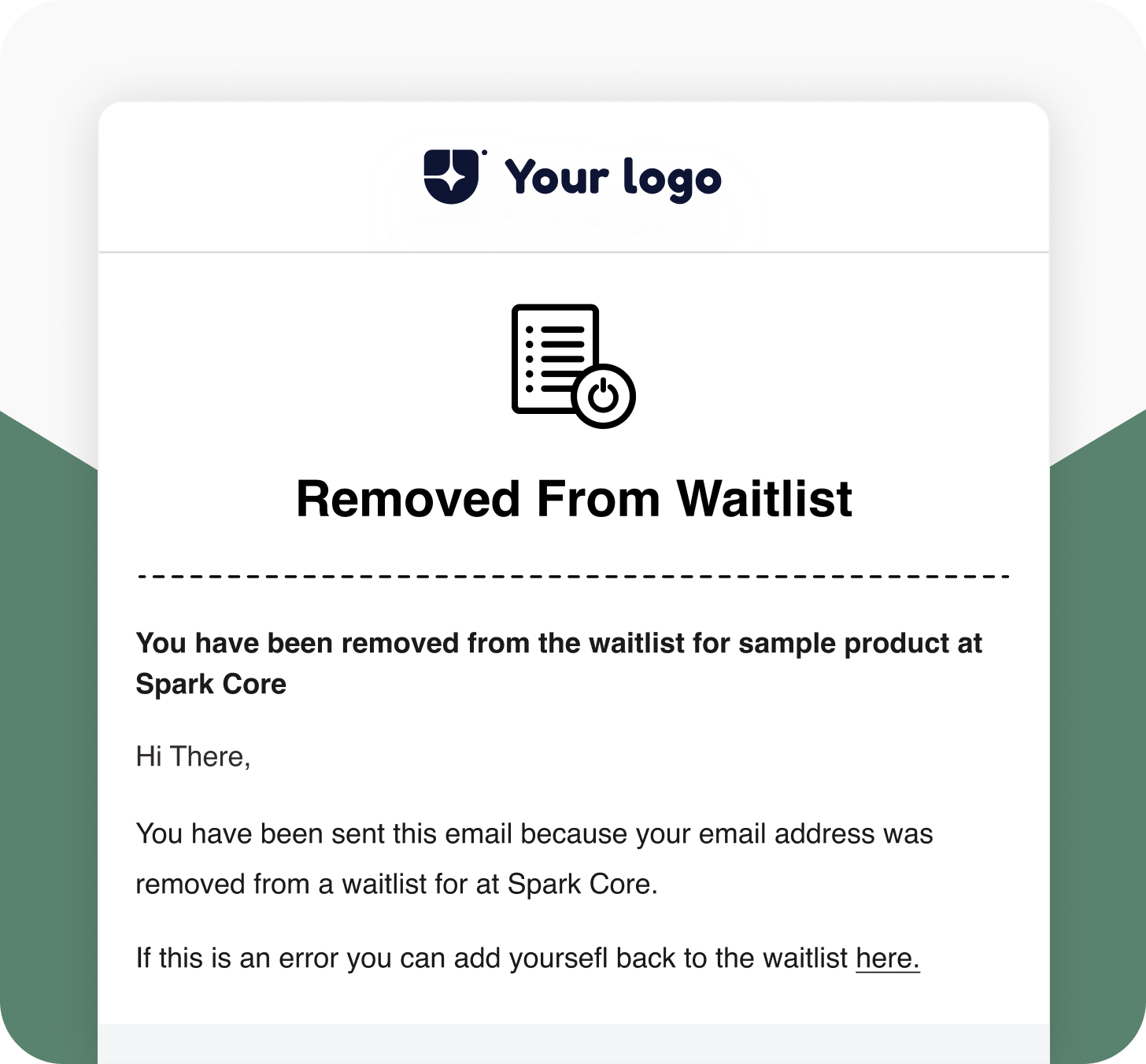
Waitlist Left Notification
If a customer clicks the “Here” option to remove themselves from the waitlist, this email confirms their removal by keeping communication transparent and professional.
Waitlist Admin Signup Mail
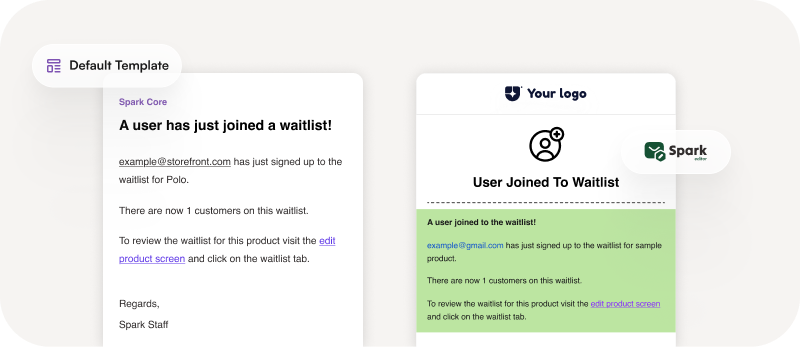
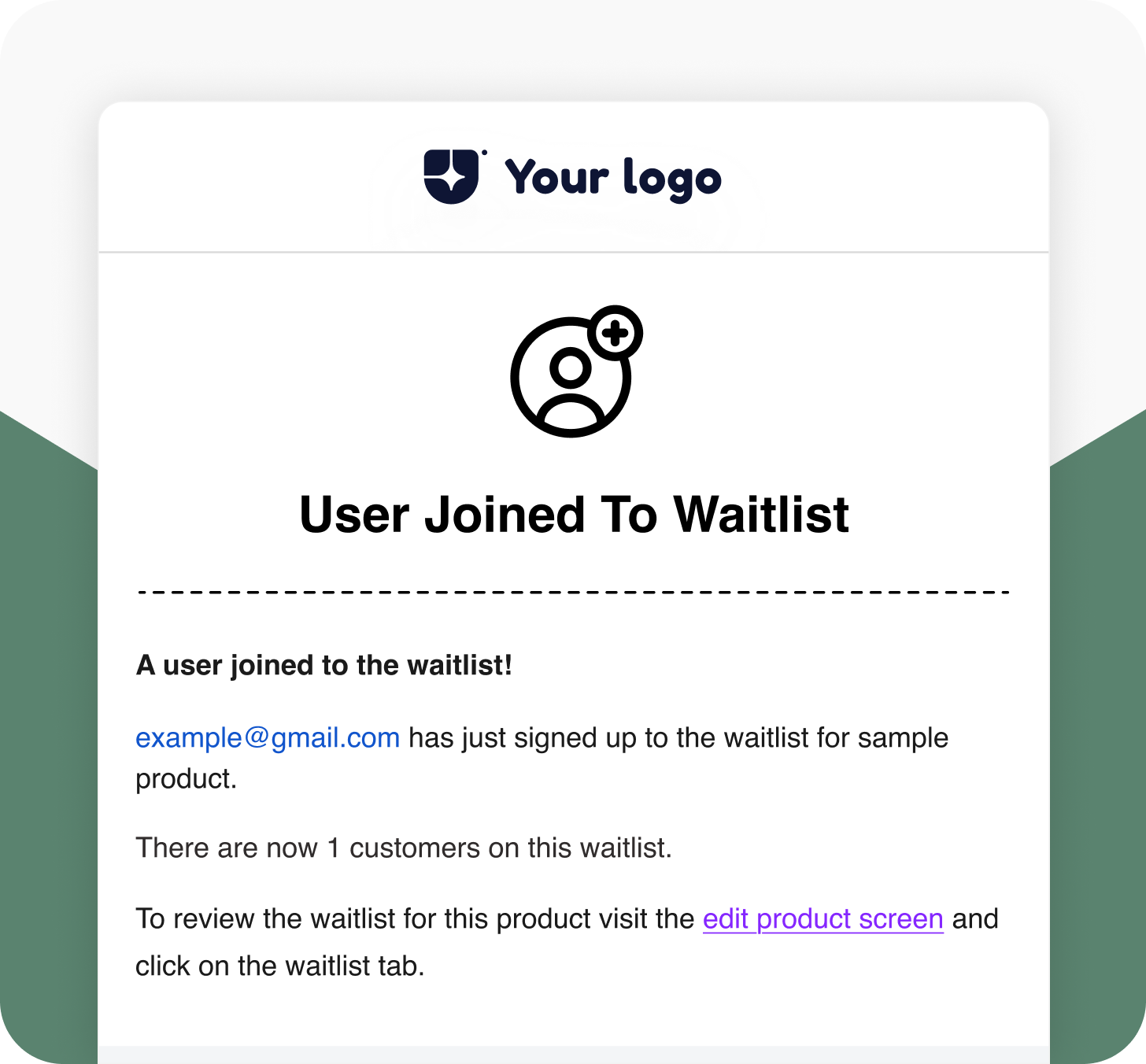
When a customer joins the waitlist, the store admin receives this email notification. It helps store owners stay informed and manage waitlist demand effectively.
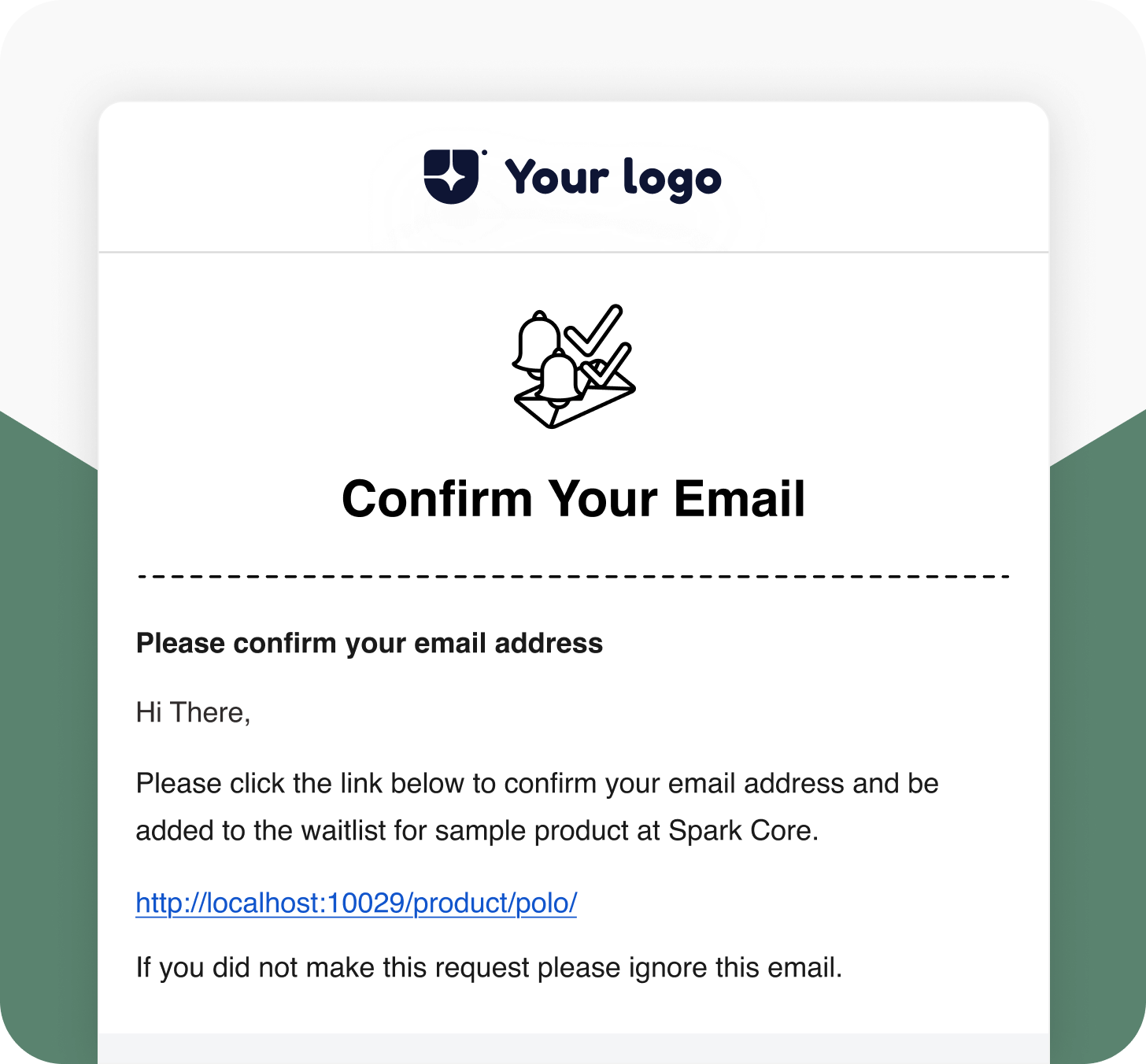
Waitlist Double Opt-in Email
Send verification emails when customers join a product waitlist. Confirm their email address before adding them to the list to ensure genuine sign-ups and accurate communication.
Default VS Spark Editor
Default WooCommerce Email Template

Advanced Styling Options
No
Yes
Multilingual Support
No
Yes
Responsive Emails for Every Device
No
Yes
Drag-and-Drop Editor
No
Yes
Integrate with Add-ons
No
Yes
Pre-build Shortcodes
No
Yes
Frequently Asked Questions
Does Spark Editor affect email deliverability?
Can I restore my default WooCommerce templates later?
Yes. You can easily reset or revert back to WooCommerce’s default email layouts at any time without losing your previous customizations.
How does Spark Editor help with branding?
Can I import or export templates between stores?
Do I need the Pro version of Spark Editor to use this add-on?
Give your WooCommerce emails more impact with Spark Editor.