Split Orders for WooCommerce Add-On
by Spark Editor
Turn routine system emails into a smooth communication experience that builds confidence and reduces customer confusion-while keeping your brand front and center.
Why You Need Spark Editor for This Add-On
- Create split-order emails that align: Choose your layout, refine the design, and highlight the most important details in a way that feels uniquely yours.
- Help customers understand order changes quickly: Display the original order alongside each split order in a neat, organized format that leaves no room for confusion.
- Ensure every message looks great on any screen: Your split-order notifications automatically adapt to mobile, tablet, and desktop, offering a consistent experience everywhere.
- Update and redesign your email within minutes: The editor fits naturally into your WooCommerce workflow, making it simple to build, preview, and publish your split-order template.
Technical Requirements :
To use the Split Orders for WooCommerce Premium Add-On, you’ll need the Pro version of Spark Editor.
14 DAYS MONEY BACK GUARANTEE
WHAT’S INCLUDED
- 1 year of updates and new features
- 1 year of dedicated support
Easy To Use Templates
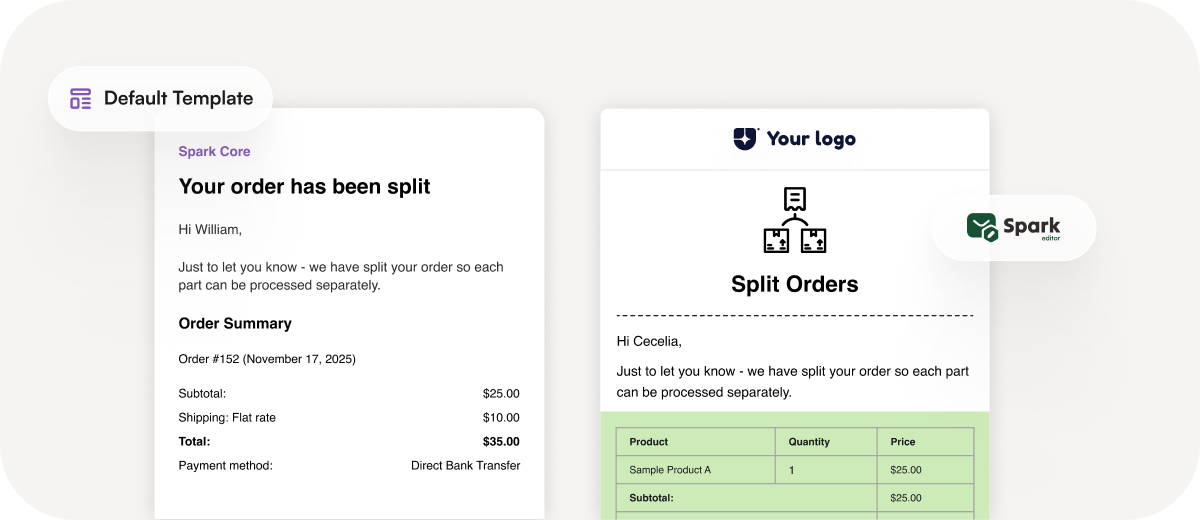
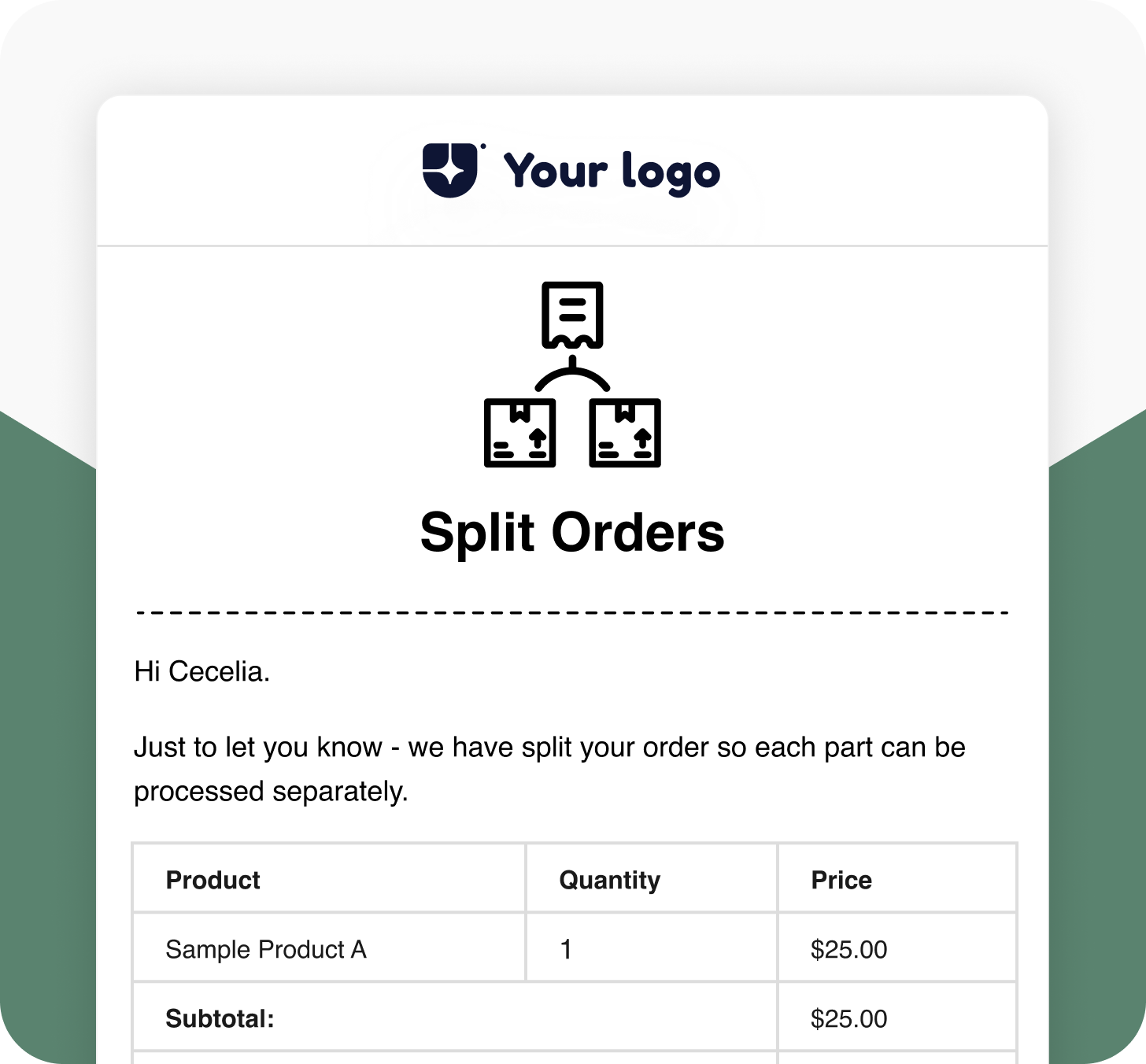
Split Order
Send customized split-order email notifications to customers whenever an order is divided into multiple parts. This helps them stay informed and avoid confusion, ensuring seamless communication.
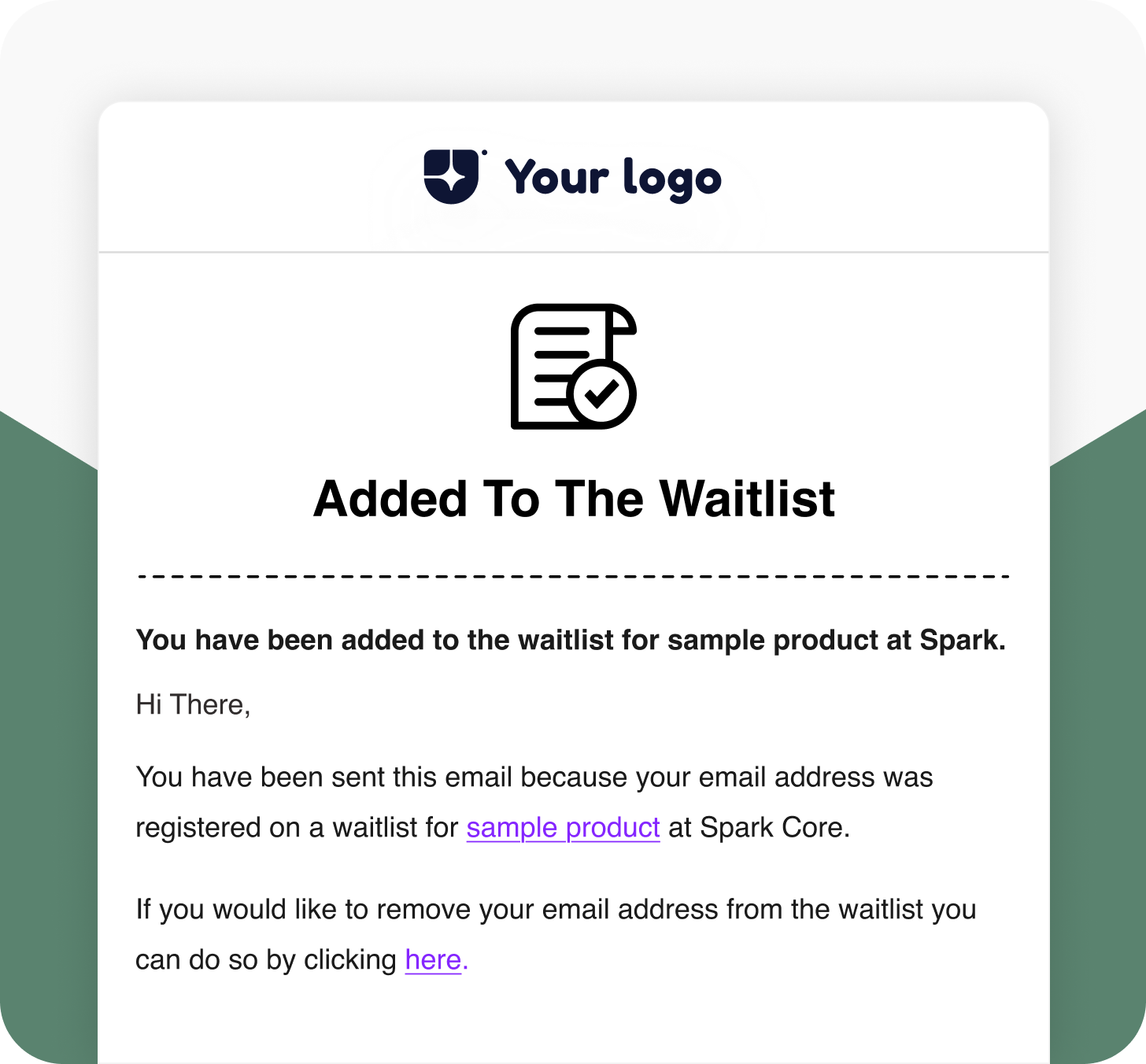
Waitlist Joined Notification
When a customer clicks “Join Waitlist,” they receive this confirmation email immediately. It reassures them that they’ll be notified as soon as the product is available again.
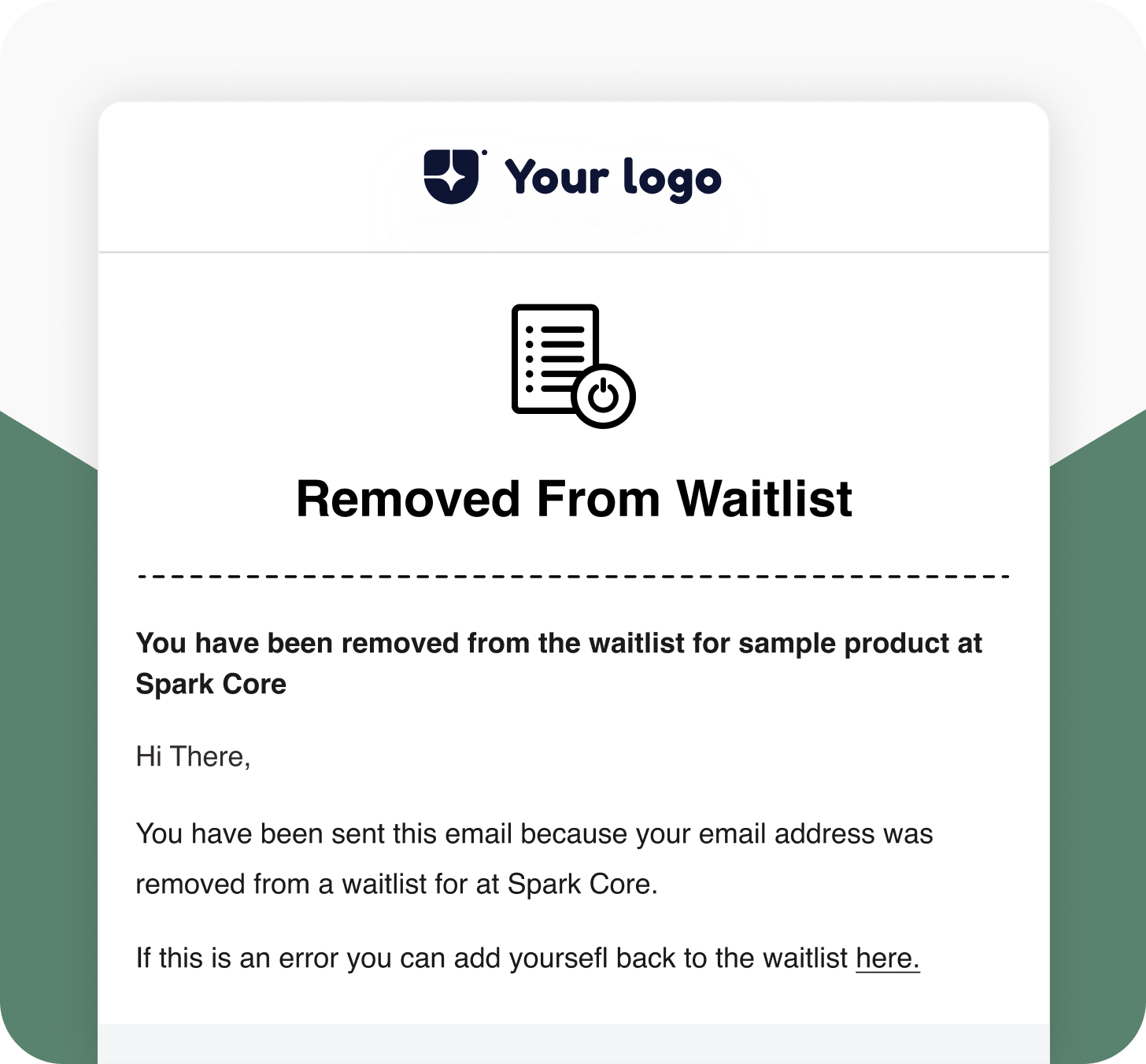
Waitlist Left Notification
If a customer clicks the “Here” option to remove themselves from the waitlist, this email confirms their removal by keeping communication transparent and professional.
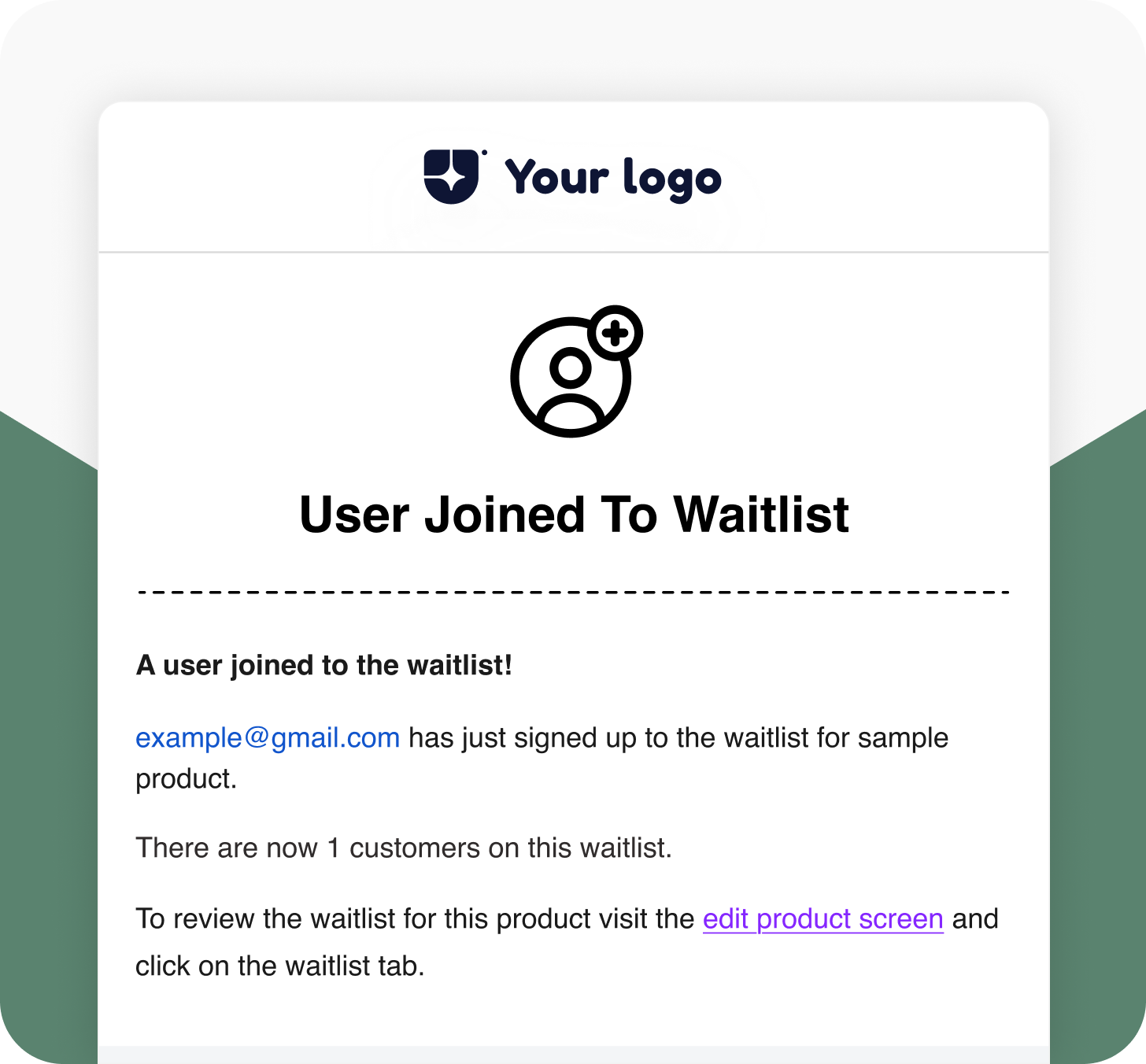
Waitlist Admin Signup Mail
When a customer joins the waitlist, the store admin receives this email notification. It helps store owners stay informed and manage waitlist demand effectively.
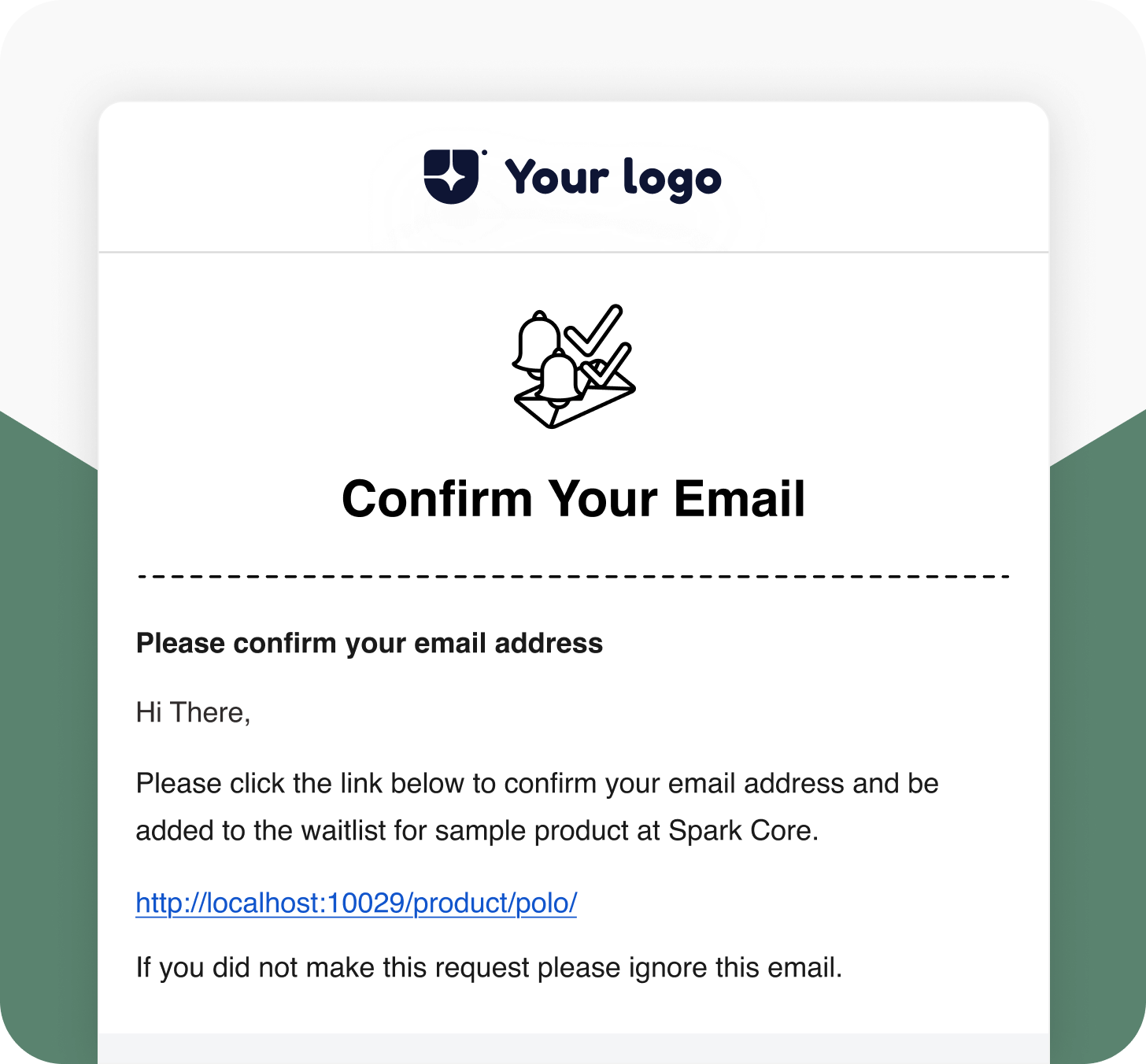
Waitlist Double Opt-in Email
Send verification emails when customers join a product waitlist. Confirm their email address before adding them to the list to ensure genuine sign-ups and accurate communication.
Default VS Spark Editor
Default WooCommerce Email Template

Advanced Styling Options
No
Yes
Multilingual Support
No
Yes
Responsive Emails for Every Device
No
Yes
Drag-and-Drop Editor
No
Yes
Integrate with Add-ons
No
Yes
Pre-build Shortcodes
No
Yes
Frequently Asked Questions
Do I need Spark Editor Pro to use the Split Orders Add-On?
Will this add-on automatically detect when an order is split?
Does the email include both the original order and the new split orders?
Are the templates mobile-responsive?
Can I translate the split-order template for multilingual stores?
Is there a refund policy if the add-on doesn’t meet my needs?
Give your WooCommerce emails more impact with Spark Editor.